Massive EdTech Leap: Teachers Can Now Record Audio, Video, and Screencasts Directly in Google Classroom
Massive EdTech Leap: Teachers Can Now Record Audio, Video, and Screencasts Directly in Google Classroom
For years, teachers relied on a patchwork of external edtech tools—Screencastify for screen recording, Loom for quick videos, and various microphone apps for audio feedback. The process was always the same: record externally, download the file, wait for the upload, and then link it laboriously into Google Classroom. It was clunky, time-consuming, and a major drain on workflow efficiency.
That era of digital friction is officially over.
In the most significant update to the platform this year, Google has rolled out a game-changing native recording feature. **Teachers can now record audio, video, and screencasts directly in Google Classroom**—integrating the entire process into the existing assignment creation workflow. This move is not just convenient; it fundamentally redefines how digital instruction is delivered.
I remember spending an entire Saturday morning recording six different mini-lessons for my Algebra II class just last semester. Each one required opening a separate recorder, meticulously checking file formats, and managing a growing folder of MP4s before touching the "Create Assignment" button. If the file was too big, I’d have to compress it, adding another stressful layer. This new functionality eliminates all those intermediary steps, giving teachers precious time back to focus on pedagogy, not file management.
The Pain Point Solved: Why Integrated Recording Matters for EdTech Workflow
The rise of blended and asynchronous learning has made instructional video content indispensable. However, the existing workflow—what we call the "three-step upload dance"—has been the biggest barrier to widespread adoption. Teachers need to communicate complex ideas, model solutions, and offer personalized feedback quickly.
The friction introduced by using third-party tools wasn't just about technical inconvenience; it limited *how much* customized instruction a teacher could reasonably produce. For a simple math problem that requires five seconds of audio clarification, needing to open a separate app, record, save, upload to Drive, and then link the file felt prohibitive.
With the new update, Google Classroom has transformed from a content delivery system into a content creation hub. This immediate integration provides several critical benefits:
- **Zero External Downloads:** Recordings are stored instantly within Google Classroom, streamlining storage and eliminating the need to manage local files or external cloud storage links.
- **Enhanced Accessibility:** By keeping the content native to the platform, Google ensures better compatibility across various devices used by students, from Chromebooks to mobile phones.
- **Speed and Iteration:** Teachers can now quickly record multiple iterations of instructions or explanations on the fly, making just-in-time teaching far more efficient.
- **Security and Privacy:** Operating within the controlled Google Workspace environment enhances data security compared to relying on various free external screen recording services.
This functionality is a clear recognition that the future of digital instruction demands seamless integration. Teachers deserve tools that are robust, yet invisible, allowing the focus to remain on student engagement and learning outcomes.
How It Works: A Deep Dive into Assignment Creation and Feature Access
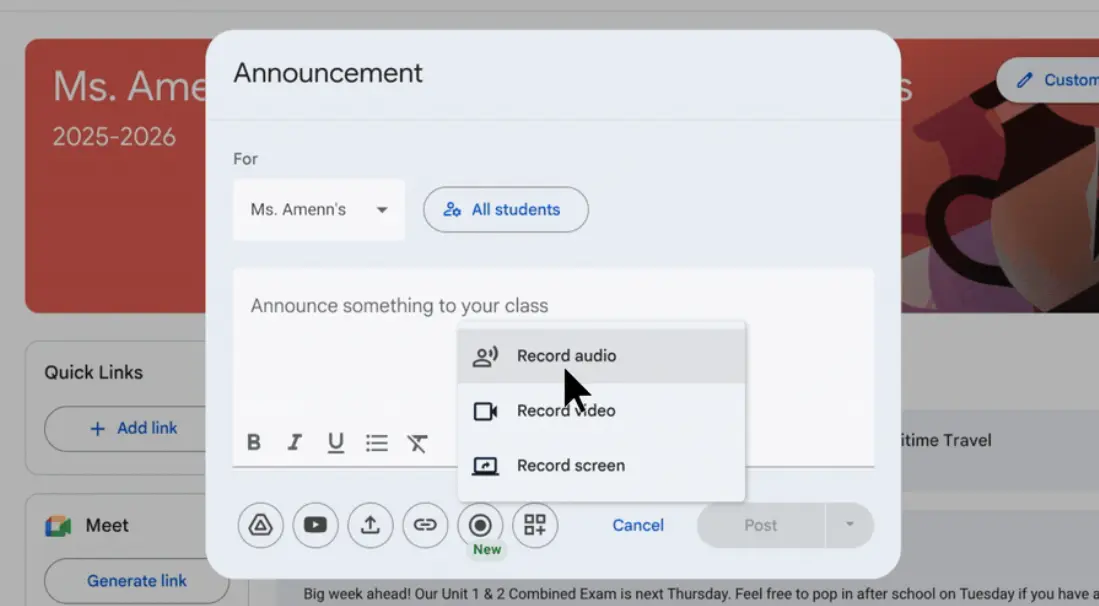
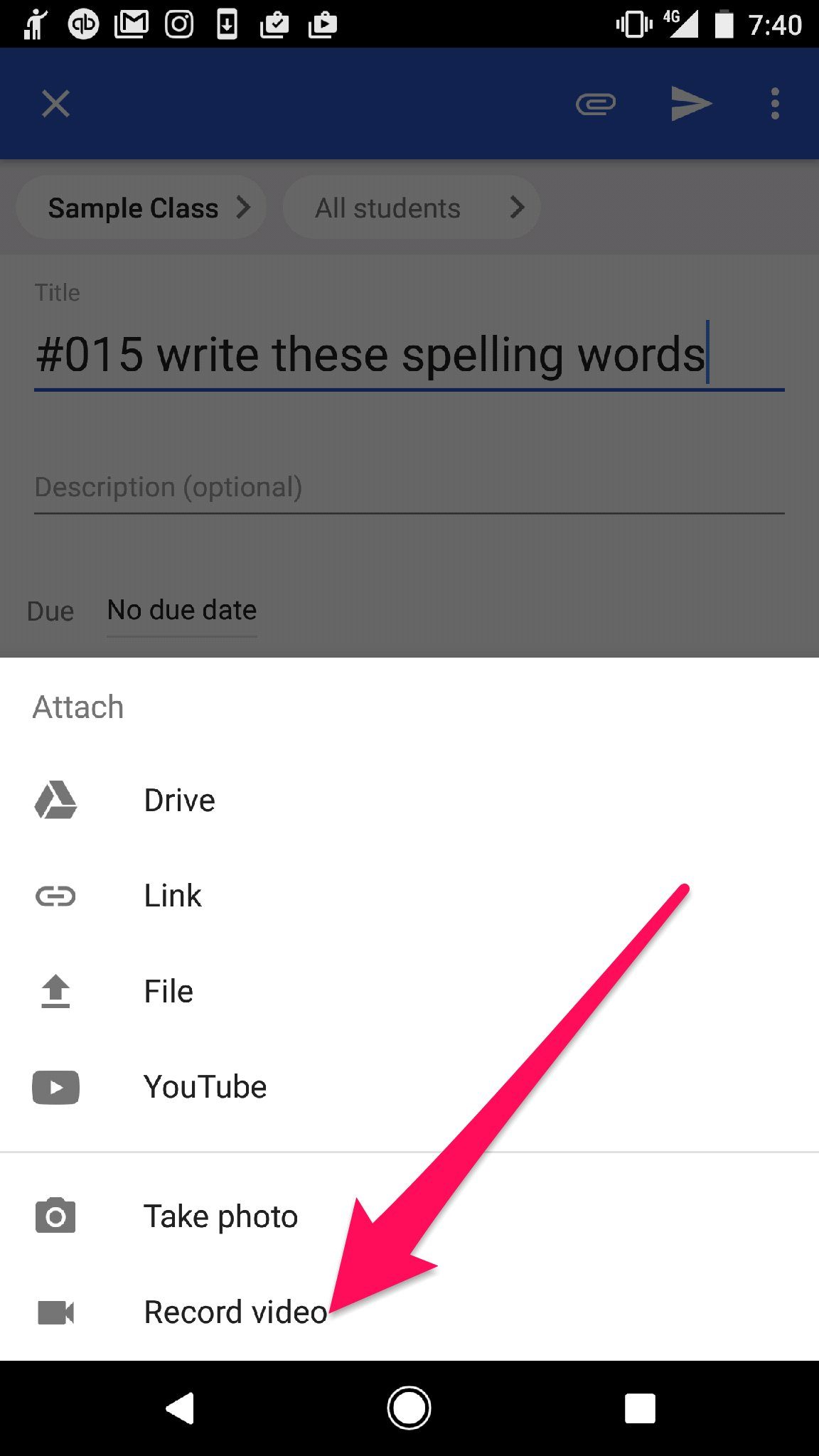
Accessing the new recording features is intuitively simple, embedded directly into the "Create Assignment" or "Create Material" dialogue box. When composing instructions or feedback, users will now see a new media icon, which prompts them to select their recording format.
The flexibility provided by offering three distinct recording types—audio, video, and screencast—is key to maximizing personalized learning opportunities. Each serves a unique instructional purpose:
1. Audio Recording for Quick Feedback and Clarification
This is arguably the most valuable tool for personalized feedback. Instead of typing out lengthy explanations or corrections on student work, teachers can record an immediate audio clip—perfect for language arts classes focusing on pronunciation or math classes clarifying specific steps in a long equation.
- **Use Case:** Providing vocal inflection on a paragraph in a student essay to highlight tone.
- **Mechanics:** Simply click the audio icon, record up to several minutes of content, and the clip is instantly attached to the assignment or feedback bubble.
2. Video Recording (Webcam) for Face-to-Face Connection
Maintaining human connection is crucial in remote or blended settings. The native video recorder allows teachers to deliver introductory remarks, motivational speeches, or complex instructions while maintaining visual presence.
- **Use Case:** Welcoming students to a new unit or delivering important instructions for an upcoming lab where visual aids are less important than teacher presence.
- **Mechanics:** Uses the device’s webcam. The recorded video is automatically optimized and embedded directly into the Classroom post, removing manual uploading delays.
3. Screencasting for Modeling Solutions and Visual Tutorials
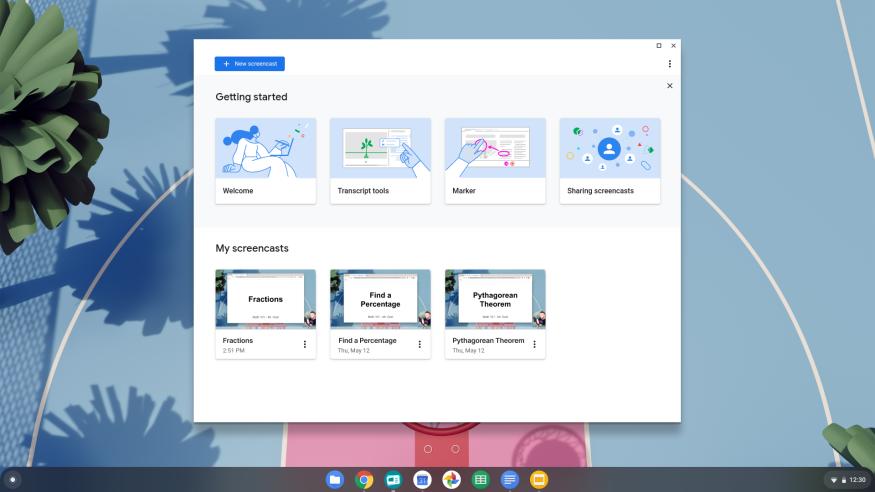
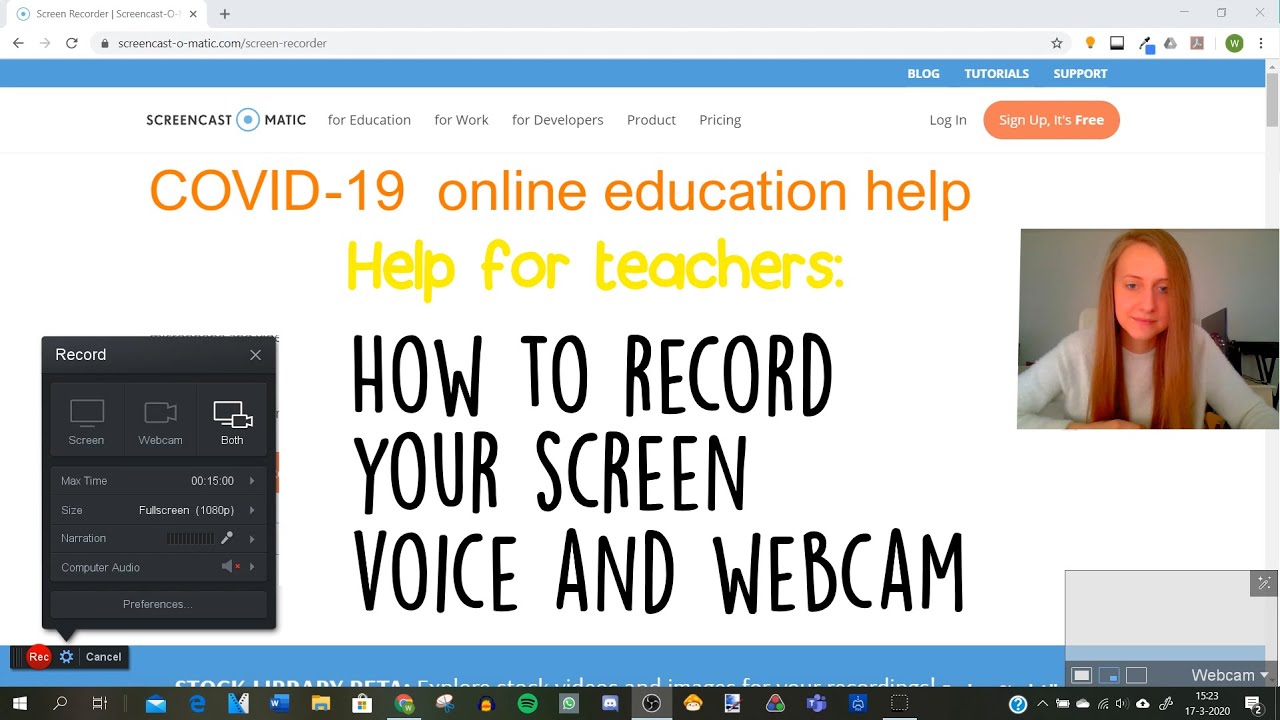
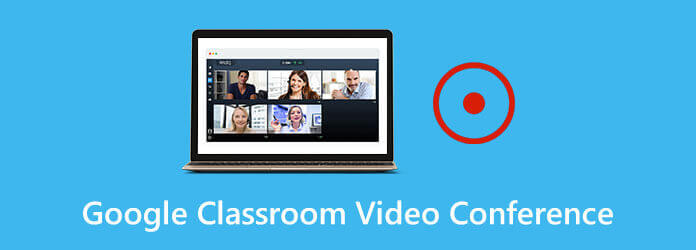
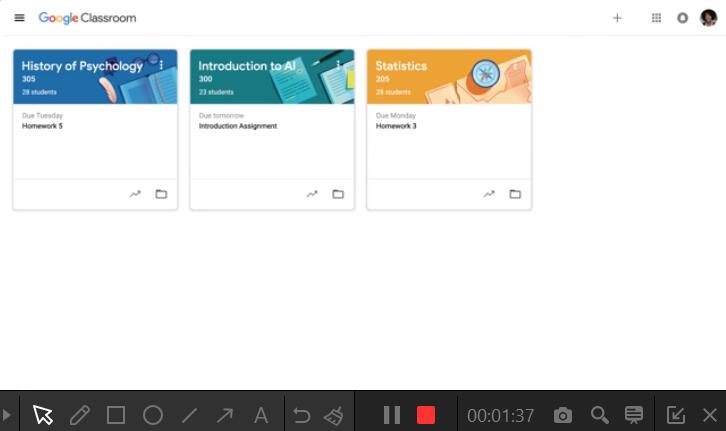
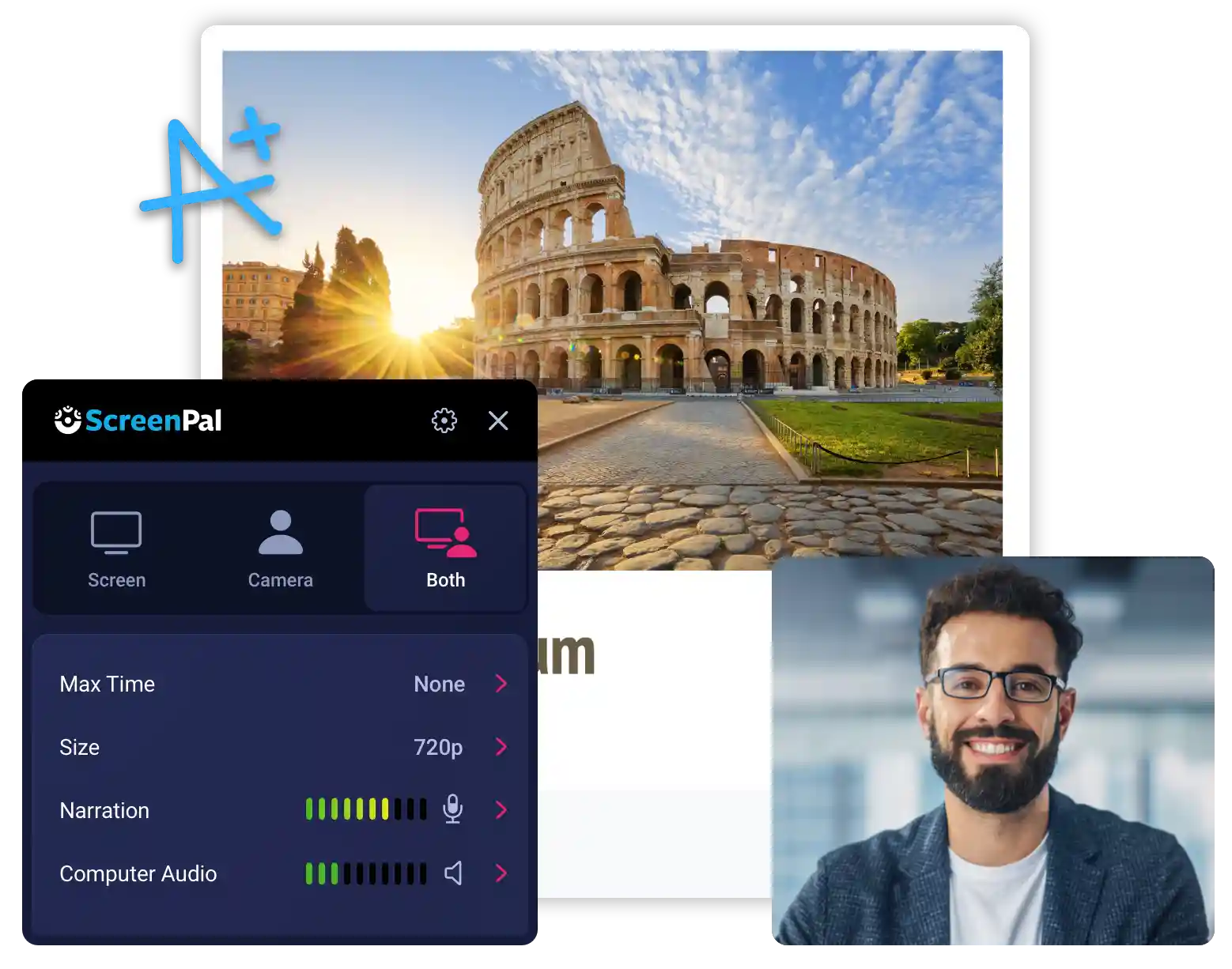
The true power lies in the integrated screencasting feature. Teachers no longer need to rely on complex browser extensions. They can now record their screen—whether modeling a process in a Google Doc, navigating a complex website, or demonstrating a scientific simulation—and instantly share it within the platform.
- **Use Case:** Walking students through the exact steps of accessing an online resource or solving a multi-step geometry problem visually.
- **Quality:** The recording quality is optimized for the web, ensuring quick loading times for students without sacrificing visual clarity.
These powerful content creation tools are immediately available upon creating a new item in the Classwork tab. This seamless accessibility ensures that the creation process does not interrupt the pedagogical planning.
Transforming Pedagogy: The Impact on Flipped Learning and Personalized Feedback
This update doesn't just improve efficiency; it serves as a powerful accelerator for modern pedagogical methods, especially the flipped classroom model and differentiated instruction.
Empowering the Flipped Classroom
The flipped learning model relies heavily on students accessing core content (lectures, tutorials, demonstrations) at home, freeing up class time for interactive application and deeper discussion. Previously, teachers often hesitated due to the effort required to produce and manage the video library.
Now, producing high-quality, short instructional videos for content delivery is so simple that teachers can generate resources specific to small groups or even individual student needs.
- Teachers can quickly create 3-minute micro-lectures on prerequisite knowledge needed for a specific lesson, ensuring foundational understanding before class begins.
- Differentiation becomes achievable; teachers can record slightly different versions of the instructions for advanced groups versus struggling learners, all linked within the same assignment framework.
- The barrier to entry for video creation has dropped to zero, encouraging widespread adoption of asynchronous learning materials.
Deepening Personalized Feedback
Feedback is the engine of learning, but students often struggle to interpret written comments. The ability to use audio and video for feedback introduces a level of nuance and human connection previously missing.
Imagine a student receiving a written comment, "Great thesis, but clarify your supporting evidence." Now, imagine they receive a 45-second audio clip where the teacher explains precisely which sentence needs refinement, using encouraging vocal tone. This is transformative for student engagement and comprehension.
For subjects like foreign language instruction, personalized audio feedback is invaluable for correcting pronunciation and intonation, tasks that are impossible to accomplish effectively through written comments alone.
Furthermore, this update supports teachers seeking to manage large class sizes. Instead of spending hours typing detailed comments, they can often convey complex points much faster and more effectively through a short voice note.
The introduction of native audio, video, and screencast recording marks a definitive turning point for Google Classroom. It signals Google’s commitment to providing comprehensive tools that truly support the modern educator, moving past simple assignment management toward integrated content creation. This development is set to save millions of teaching hours globally while simultaneously enhancing the quality and accessibility of digital instruction for students everywhere. The future of educational technology looks highly integrated, highly personalized, and highly efficient.
Teachers can now record audio, video, and screencasts directly in Google Classroom
Teachers can now record audio, video, and screencasts directly in Google Classroom Wallpapers
Collection of teachers can now record audio, video, and screencasts directly in google classroom wallpapers for your desktop and mobile devices.
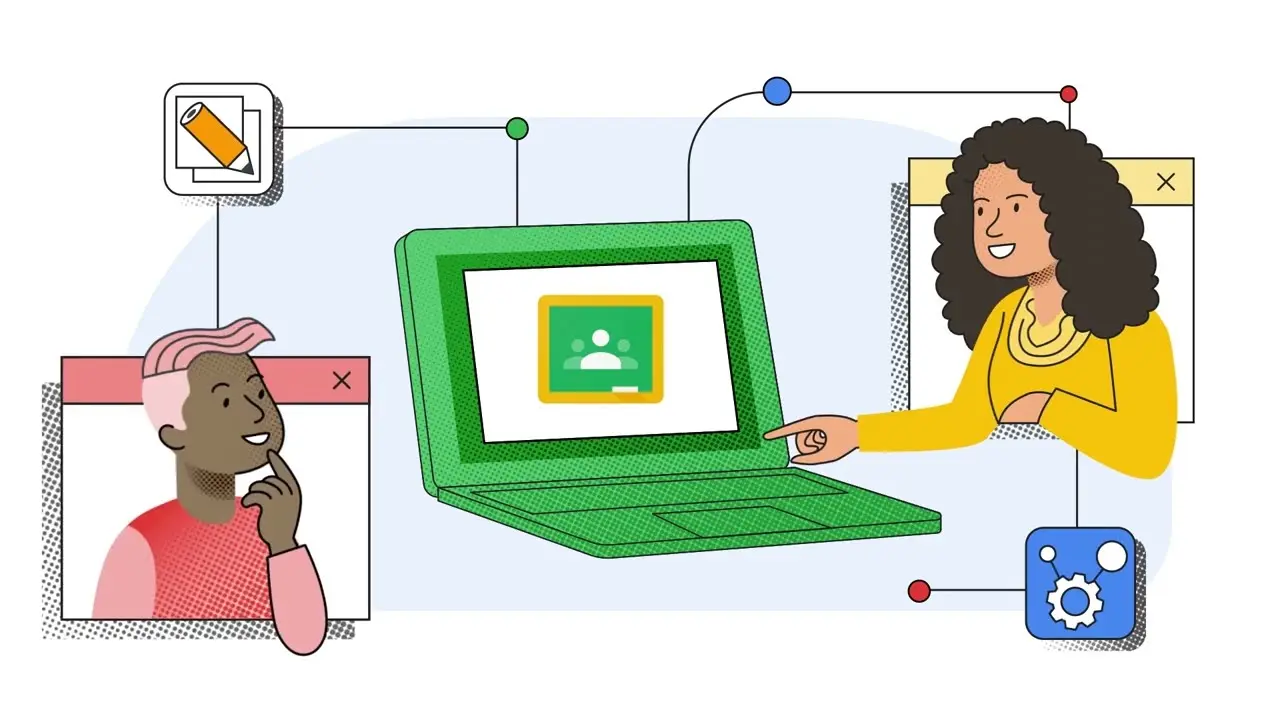
Exquisite Teachers Can Now Record Audio, Video, And Screencasts Directly In Google Classroom Background for Desktop
A captivating teachers can now record audio, video, and screencasts directly in google classroom scene that brings tranquility and beauty to any device.
Spectacular Teachers Can Now Record Audio, Video, And Screencasts Directly In Google Classroom Background Nature
Find inspiration with this unique teachers can now record audio, video, and screencasts directly in google classroom illustration, crafted to provide a fresh look for your background.
Breathtaking Teachers Can Now Record Audio, Video, And Screencasts Directly In Google Classroom Abstract Digital Art
Discover an amazing teachers can now record audio, video, and screencasts directly in google classroom background image, ideal for personalizing your devices with vibrant colors and intricate designs.

Vivid Teachers Can Now Record Audio, Video, And Screencasts Directly In Google Classroom Artwork Digital Art
Discover an amazing teachers can now record audio, video, and screencasts directly in google classroom background image, ideal for personalizing your devices with vibrant colors and intricate designs.

High-Quality Teachers Can Now Record Audio, Video, And Screencasts Directly In Google Classroom Moment Illustration
Explore this high-quality teachers can now record audio, video, and screencasts directly in google classroom image, perfect for enhancing your desktop or mobile wallpaper.
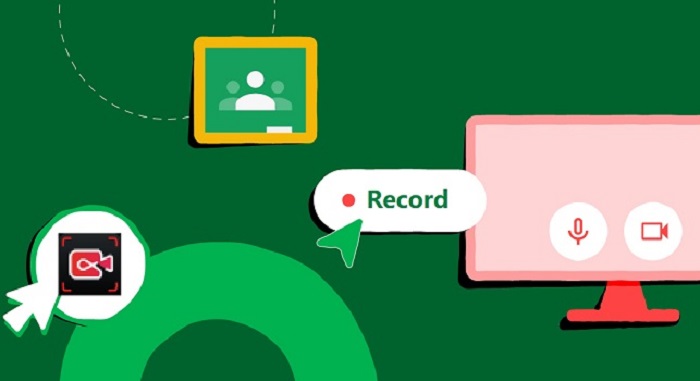
Detailed Teachers Can Now Record Audio, Video, And Screencasts Directly In Google Classroom Picture Digital Art
Explore this high-quality teachers can now record audio, video, and screencasts directly in google classroom image, perfect for enhancing your desktop or mobile wallpaper.

Exquisite Teachers Can Now Record Audio, Video, And Screencasts Directly In Google Classroom Scene for Mobile
A captivating teachers can now record audio, video, and screencasts directly in google classroom scene that brings tranquility and beauty to any device.
Breathtaking Teachers Can Now Record Audio, Video, And Screencasts Directly In Google Classroom View for Mobile
Experience the crisp clarity of this stunning teachers can now record audio, video, and screencasts directly in google classroom image, available in high resolution for all your screens.
Gorgeous Teachers Can Now Record Audio, Video, And Screencasts Directly In Google Classroom Moment for Desktop
Immerse yourself in the stunning details of this beautiful teachers can now record audio, video, and screencasts directly in google classroom wallpaper, designed for a captivating visual experience.

Amazing Teachers Can Now Record Audio, Video, And Screencasts Directly In Google Classroom Scene Nature
Transform your screen with this vivid teachers can now record audio, video, and screencasts directly in google classroom artwork, a true masterpiece of digital design.

Crisp Teachers Can Now Record Audio, Video, And Screencasts Directly In Google Classroom Photo for Mobile
This gorgeous teachers can now record audio, video, and screencasts directly in google classroom photo offers a breathtaking view, making it a perfect choice for your next wallpaper.

Gorgeous Teachers Can Now Record Audio, Video, And Screencasts Directly In Google Classroom Artwork for Mobile
This gorgeous teachers can now record audio, video, and screencasts directly in google classroom photo offers a breathtaking view, making it a perfect choice for your next wallpaper.
Artistic Teachers Can Now Record Audio, Video, And Screencasts Directly In Google Classroom Background Illustration
Immerse yourself in the stunning details of this beautiful teachers can now record audio, video, and screencasts directly in google classroom wallpaper, designed for a captivating visual experience.

Breathtaking Teachers Can Now Record Audio, Video, And Screencasts Directly In Google Classroom Picture Digital Art
Discover an amazing teachers can now record audio, video, and screencasts directly in google classroom background image, ideal for personalizing your devices with vibrant colors and intricate designs.
Amazing Teachers Can Now Record Audio, Video, And Screencasts Directly In Google Classroom Capture Nature
Explore this high-quality teachers can now record audio, video, and screencasts directly in google classroom image, perfect for enhancing your desktop or mobile wallpaper.
Artistic Teachers Can Now Record Audio, Video, And Screencasts Directly In Google Classroom Picture Photography
Find inspiration with this unique teachers can now record audio, video, and screencasts directly in google classroom illustration, crafted to provide a fresh look for your background.
Artistic Teachers Can Now Record Audio, Video, And Screencasts Directly In Google Classroom Artwork Art
A captivating teachers can now record audio, video, and screencasts directly in google classroom scene that brings tranquility and beauty to any device.
Amazing Teachers Can Now Record Audio, Video, And Screencasts Directly In Google Classroom Artwork Digital Art
Explore this high-quality teachers can now record audio, video, and screencasts directly in google classroom image, perfect for enhancing your desktop or mobile wallpaper.

Serene Teachers Can Now Record Audio, Video, And Screencasts Directly In Google Classroom Image Collection
Explore this high-quality teachers can now record audio, video, and screencasts directly in google classroom image, perfect for enhancing your desktop or mobile wallpaper.
High-Quality Teachers Can Now Record Audio, Video, And Screencasts Directly In Google Classroom Photo Collection
Experience the crisp clarity of this stunning teachers can now record audio, video, and screencasts directly in google classroom image, available in high resolution for all your screens.
Download these teachers can now record audio, video, and screencasts directly in google classroom wallpapers for free and use them on your desktop or mobile devices.